/* a minimal, powerful markdown editor_ */

One workspace, the whole knowledge loop

memora covers every step of working with knowledge — creating it, managing it, thinking with it, and sharing it. One app, no context switching.

Write — Typora-class writing

Organize — graph, databases & built-in LLM search

Think — whiteboards & mind maps

Share — publish, collaborate, deploy anywhere

Knowledge in motion

Simple, yet Powerful

Write — Typora-class
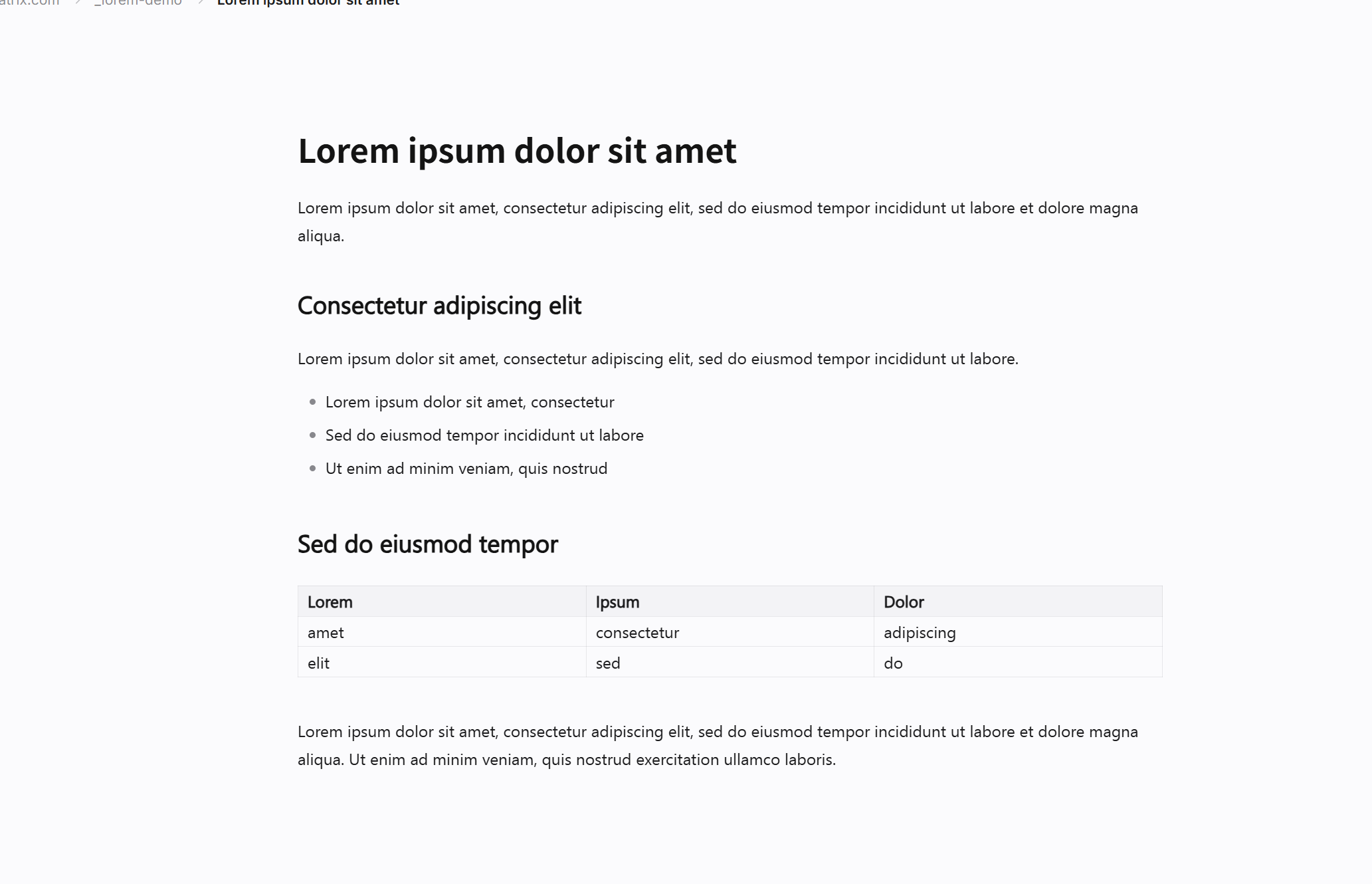
Real live preview while you type — no preview pane, no mode switching, no syntax clutter.
Source Mode
Flip to the raw Markdown anytime with Ctrl+Shift+M, and back without losing a thing.
Focused writing
Focus & Typewriter
Focus mode fades everything but your line; typewriter mode keeps the caret centered.
Spellcheck & Auto-pair
Inline spellcheck with right-click suggestions, smart quotes and automatic bracket pairing.
/* You focus on the content, memora moves you forward */
Code Blocks
Syntax highlighting for 100+ languages, optional line numbers, one-click language labels.
Live Math
KaTeX math previews while you type — inline $...$ and block $$...$$.
Code and math
Mermaid Diagrams
Flowchart, sequence, gantt, class and more — drawn from plain text, editable in place.
Rich Inline Styles
Highlight, superscript, subscript, colors, emoji — everything renders and round-trips.
/* Your technical notes, beautiful by default */
Tables
Markdown tables that feel like a spreadsheet — drag to resize columns, right-click to insert or delete rows and columns.
[TOC] & Outline
Type [TOC] for a live table of contents; the outline sidebar jumps to any heading.
Organized documents
Export Everything
PDF, HTML, Markdown, Word, OpenOffice, RTF, EPUB, LaTeX and PNG — with your custom theme baked in.
Import
Drop .md, .html or .txt files straight onto the editor to bring them into your vault.
/* Your documents, everywhere */
Graph View
See your whole vault as a living network of ideas — pages, backlinks and wiki links.
Wiki Links
Link any page with [[wiki links]] and smart autocomplete; missing pages are created for you.
Knowledge graph
Backlinks & Tags
A sidebar surfaces every page that references the current one — your second brain remembers for you.
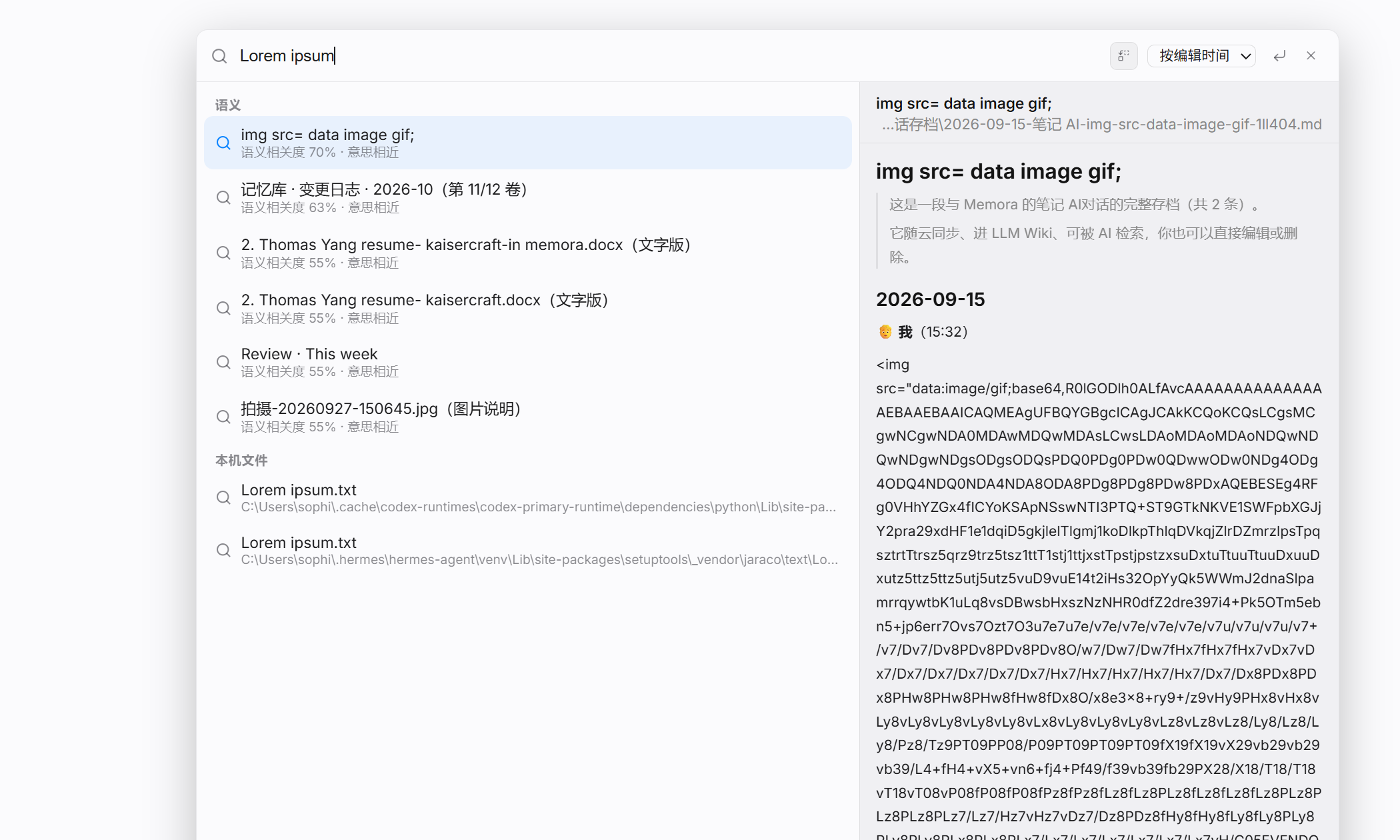
Full-text Search
Ctrl+K searches every page instantly; Ctrl+P opens the command palette.
/* Your notes, as a network of ideas */
Databases
Turn a table into a real database — Notion-style rows, properties and views.
Kanban & Calendar
Switch between table, kanban, calendar, chart and gallery views of the same data.
Database views
Row Pages
Open any row as a full page with rich Markdown content, comments and links.
Structured Knowledge
Projects, book notes, CRM, research logs — knowledge that stays queryable.
/* Structured knowledge, finally in Markdown */
Built-in LLM Knowledge
Ask questions across your whole vault — memora retrieves the relevant notes and answers with citations.
Bring Your Own Key
Connect your own AI API key. Your notes never leave your device or your server.
AI assistant
In-editor AI
Rewrite, polish, translate or summarize any selection — right where you are writing.
Private by Design
No cloud middleman: you decide which provider handles your queries.
/* Your knowledge, searchable by AI — privately */
Infinite Canvas
Brainstorm on an infinite canvas — pan, zoom, freehand draw and auto-layout mind maps.
Embed Anywhere
Embed a whiteboard into any note with [[wiki links]] — double-click to edit.
Whiteboard
Nodes, Notes & Connections
Sticky notes, rich text cards, relation edges with labels, collapse/expand subtrees.
Shape Library & Layers
Shapes, textboxes, images, a layer panel and style presets for clean diagrams.
/* Think bigger — memora's canvas has no edge */
Real-time Collaboration
Edit the same note together, powered by Yjs CRDT — changes merge seamlessly.
Comments & Review
Comment on any selection, resolve threads, and control who can edit or only comment.
Team collaboration
Share Links
Publish a read-only link, or a private link for your team — permissions per page and folder.
Self-hosted Sync
Run the tiny collab server on your own machine or LAN — no third party in your data path.
/* One team, one truth, zero friction */
Web & Desktop & Android
One codebase, three builds: run it in the browser, install the Windows app, or carry it on Android.
Local-first
Files live in your own folder or your own storage — your data is yours, always.
Multi-platform
Cloud-ready
From a local vault to a self-hosted team server to a hosted cloud — scale as you grow.
Custom Themes
Every look is CSS — tweak fonts, spacing and colors, or write your own theme.
/* Your knowledge moves with you, everywhere */

One loop, every stage of knowledge

/* Create → organize → think → share — memora keeps you moving */

Organizing files
Create — Write
Immersive, distraction-free writing with Typora-class live preview, source mode and focus modes.
Knowledge network
Organize — Manage
Graph view, wiki links, tags, databases and built-in LLM search — knowledge you can always query.
Whiteboard thinking
Think — Whiteboards
Infinite canvas, mind maps, sticky notes and diagrams — externalize ideas as fast as they come.
Team collaboration
Share — Collaborate
Real-time co-editing, comments, share links and per-page permissions — one team, one truth.
Multi-device
Deploy — Anywhere
Web, Windows and Android from one codebase; local-first by default, cloud or self-hosted when you need it.
AI knowledge
Privacy — Yours
Bring-your-own AI key, local-first storage, self-hosted sync — your data stays yours.

/* More in Our Documents */


Light & Dark Themes

/* fully configurable by CSS */

Light theme Dark theme

get memora ?

memora app icon
Free to try — pricing details coming soon

The all-in-one knowledge workspace: write, organize, think and share.

Contact