Typora-class, in place
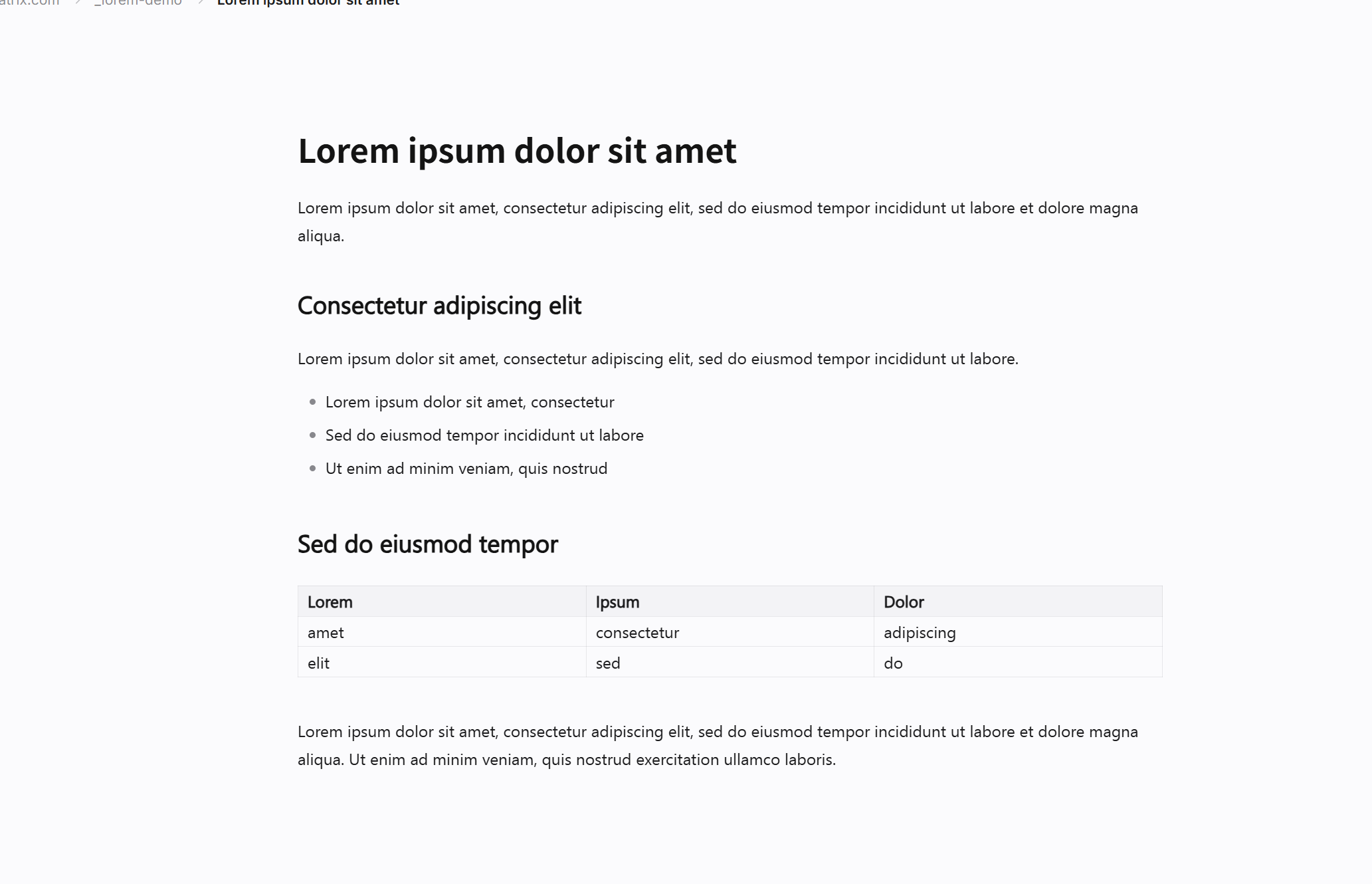
Headings grow, bold bolds, the syntax fades while you are still typing the line. The cursor never jumps to another pane.
Six things, each one a step of the loop. No plugins to install, no sync service to trust first.
 Lorem ipsum dolor sit amet
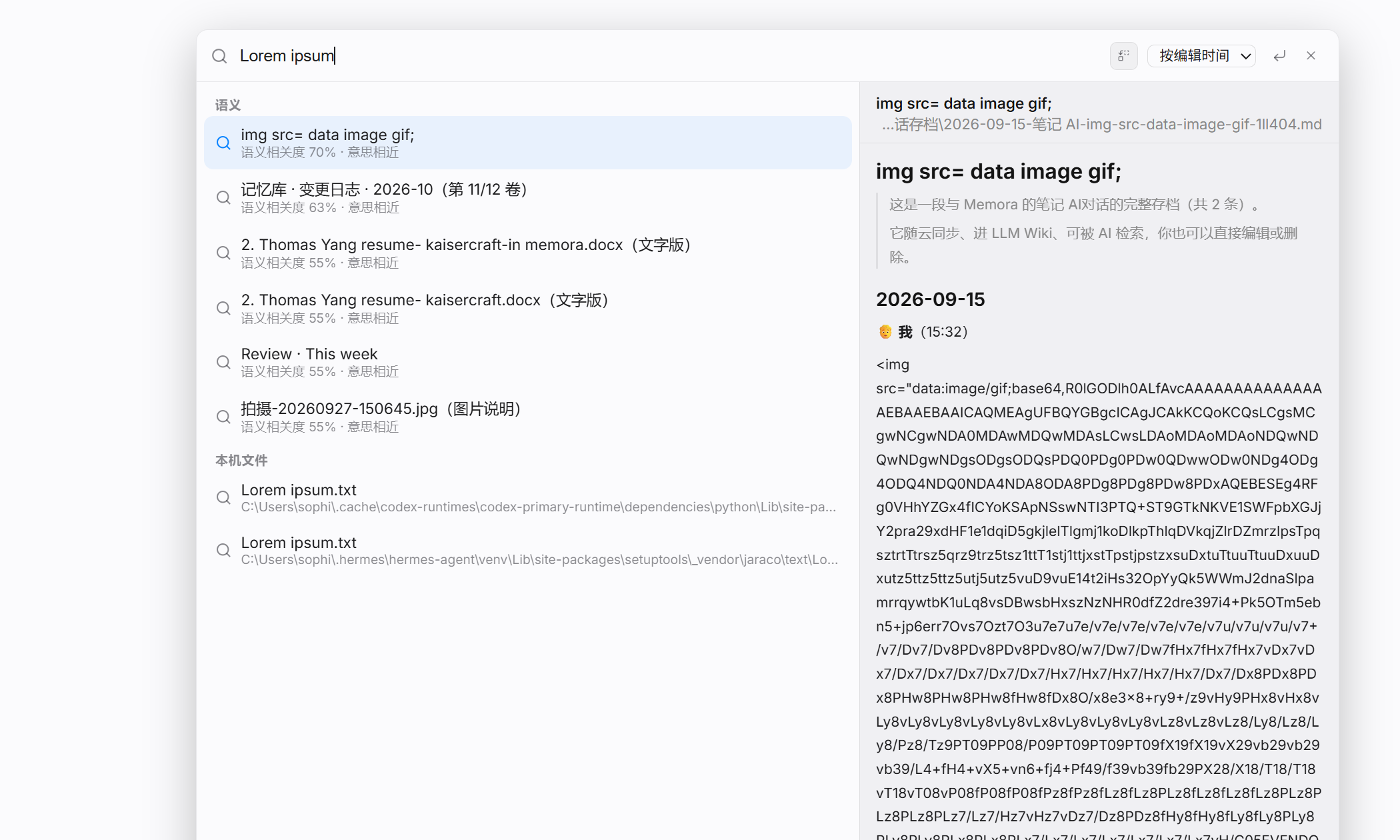 Ctrl + K · Lorem ipsum dolor
Headings grow, bold bolds, the syntax fades while you are still typing the line. The cursor never jumps to another pane.
Everything but your current line fades to a whisper; typewriter mode keeps the caret mid-screen.
Flip to raw Markdown and back without losing a character — useful when a paste comes in mangled.
Your whole vault is just .md files in folders. No database to corrupt, no lock-in to escape — grep still works on it.
Add columns, filter, sort, switch views. The rows are files, so the table never becomes a format you can't read in ten years.
PDF, DOCX, LaTeX, EPUB — high fidelity, real styles, no screenshotting.
Type [[ and a page appears. Backlinks collect by themselves, tags cluster, and the graph shows the shape — including the holes.
Drag the argument out spatially, then keep it next to the notes that produced it.
Point it at DeepSeek, Qwen or OpenAI. Nothing leaves the machine unless you ask a question.
It clusters what you have written into topics you can browse — and re-reads only what changed, so it costs tokens once, not every time.