You type the document you read
Live preview in place: headings get big, bold gets bold, syntax gets out of the way. No second pane, no mode to switch into.
Not another app that stores text. memora is where a note turns into a table, a table into a graph, and a graph into something you can point at in a meeting.
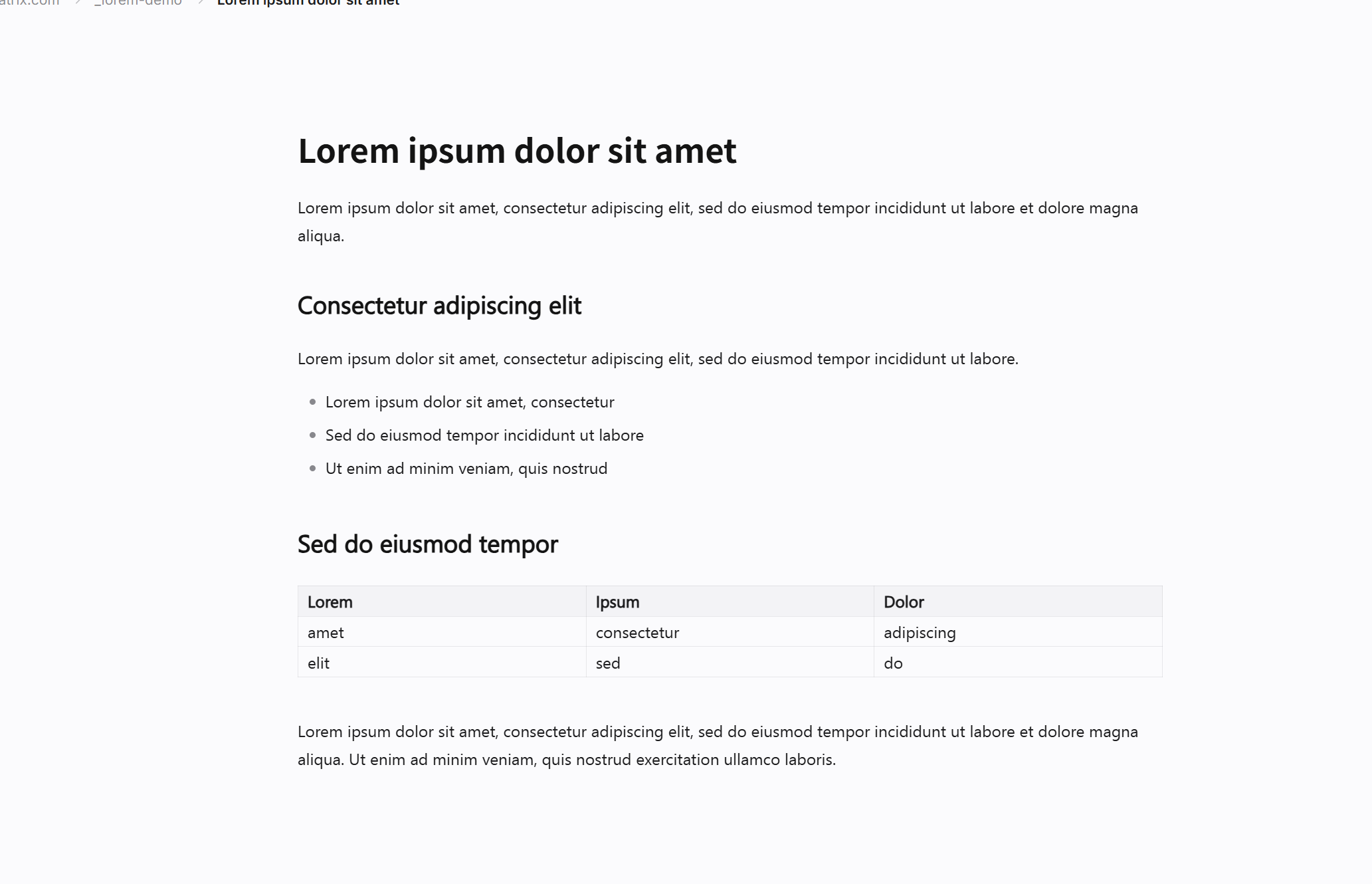 Lorem ipsum dolor sit amet.md
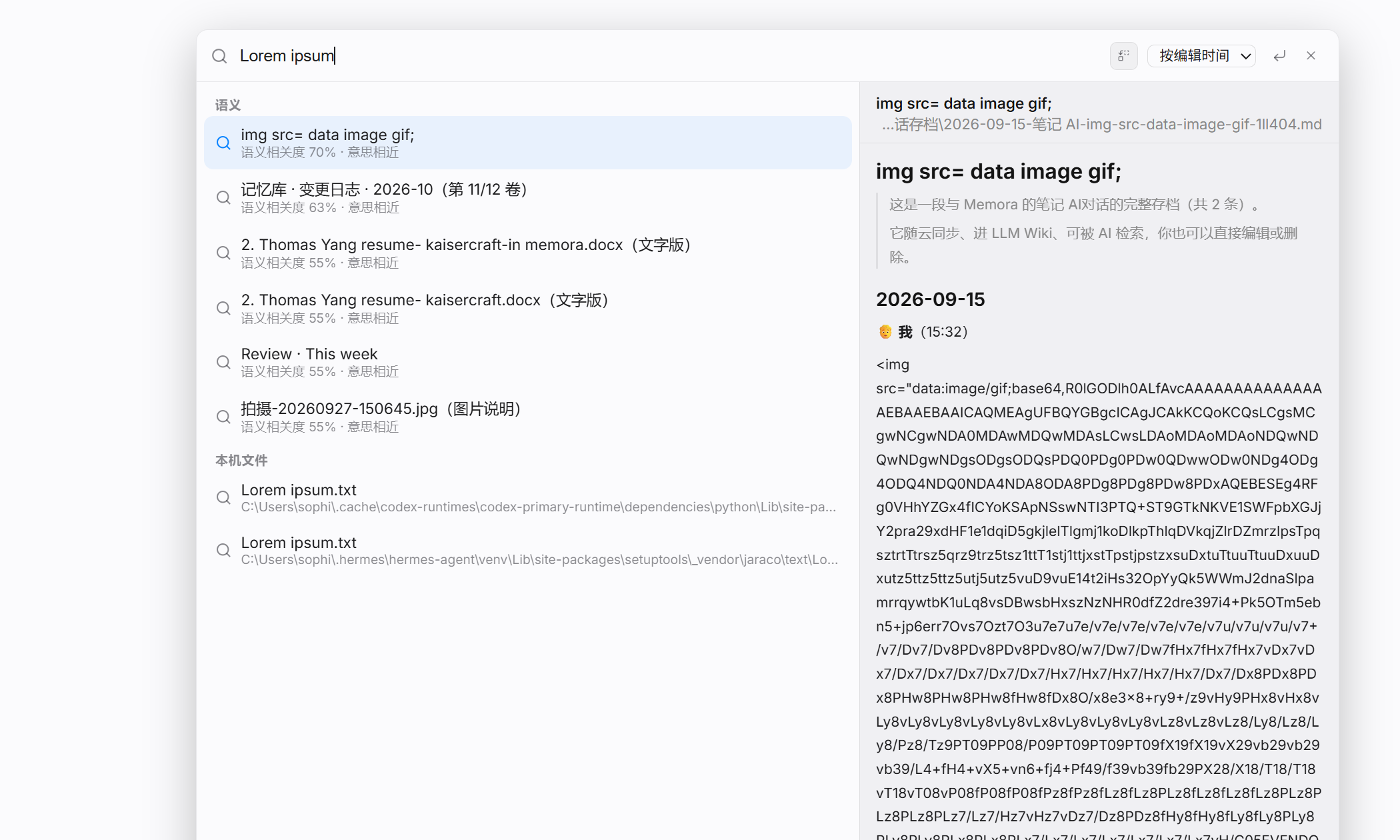 Ctrl + K · Lorem ipsum dolor
Live preview in place: headings get big, bold gets bold, syntax gets out of the way. No second pane, no mode to switch into.
Plus a typewriter mode that keeps the caret centred, so your eyes stop travelling down the screen.
Ctrl Shift M flips to raw Markdown and back — nothing lost.
Notes stop being files. Tags cluster, backlinks appear, and the graph shows the shape of what you know — including the gaps.
No account, no cloud, no file-size limit. The desktop advertises itself; the phone remembers the code.
WebDAV (Nutstore, pCloud, Yandex, Synology, Nextcloud) or Dropbox / Google Drive / OneDrive. Anything too large is named, never silently dropped, and retried next pass.
NEW ACCOUNTS · 1M tokens + 100 AI searches · 30 days · no card
Your key, your tokens, your bill.
Zero config. 3M tokens + 300 searches.
For daily and multi-device work.
“Markdown is the official text format for AI, and memora is the best editor for humans working with both.”